





Secure Shopping
Products from authorized providers at fair prices.
In the endless darkness of New Eden, time is the most valuable resource for a Capsuleer striving to carve out their own destiny. Eve Echoes is the most complex and immersive massive online (MMO) space simulation you can experience on mobile devices. In this vast ecosystem, those who want to get ahead of their rivals, customize their ships, and accelerate their progress need one essential fuel: AUR (Aurum).
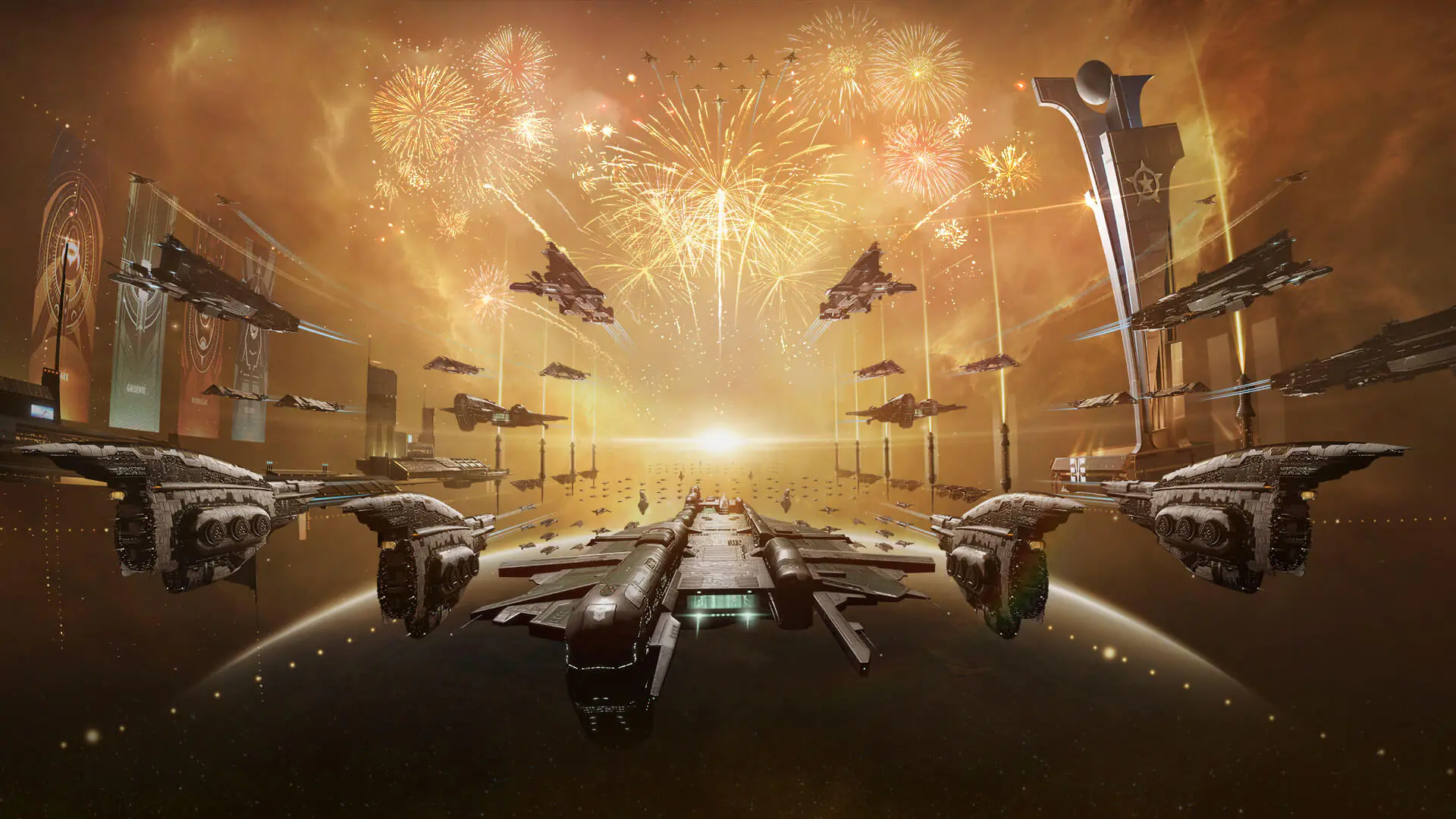
Eve Echoes is more than just a game; it’s a living universe where thousands of players trade, battle, and form alliances in real time.
Limitless Economy: A marketplace run entirely by players, operating with real-world stock market mechanics.
Massive Battles: System wars and territorial conflicts where hundreds of ships clash at once.
Specialization: Mining, industry, piracy, or trading the path you choose depends entirely on your skill tree.
AUR is the premium currency of the Eve Echoes universe. It’s used for purchases in the in-game market (New Eden Store) that determine your status and power:
Omega Clone Membership: Unlock the game’s full potential, access advanced ships, and boost your skill training speed. AUR is the fastest way to purchase Omega packages.
Ship Skins (SKINs): Show off your style from light years away. Rare ship skins can only be acquired with AUR.
Insurance Points (IP): Losing a ship in the Eve universe can be tough. Insurance Points purchased with AUR let you quickly recover destroyed ships.
Skill Point (SP) Packages: Access skill point packs to accelerate your character’s development.
Pilot Medals: Add medals that grant permanent status and prestige to your collection.
| Currency | How to Obtain? | Main Usage |
| ISK | Missions, Mining, Market Sales | Buying ships, equipment, market transactions. |
| PLEX | From the market with ISK or direct purchase | Omega membership, converting to AUR. |
| AUR | Direct Purchase | Store products, Skins, IP. |
To ensure your AUR top-up reaches the correct Capsuleer, you need to provide your character details:
Log In to the Game: Go to the Eve Echoes main screen.
Open the Character Menu: Tap your Character Portrait (Avatar) at the top left.
Copy the Details: On the screen that opens, note down the numeric Character ID located under your character name.
Server Check: Although there is usually a single global server (not split like Aarvad), make sure your character name is correct.
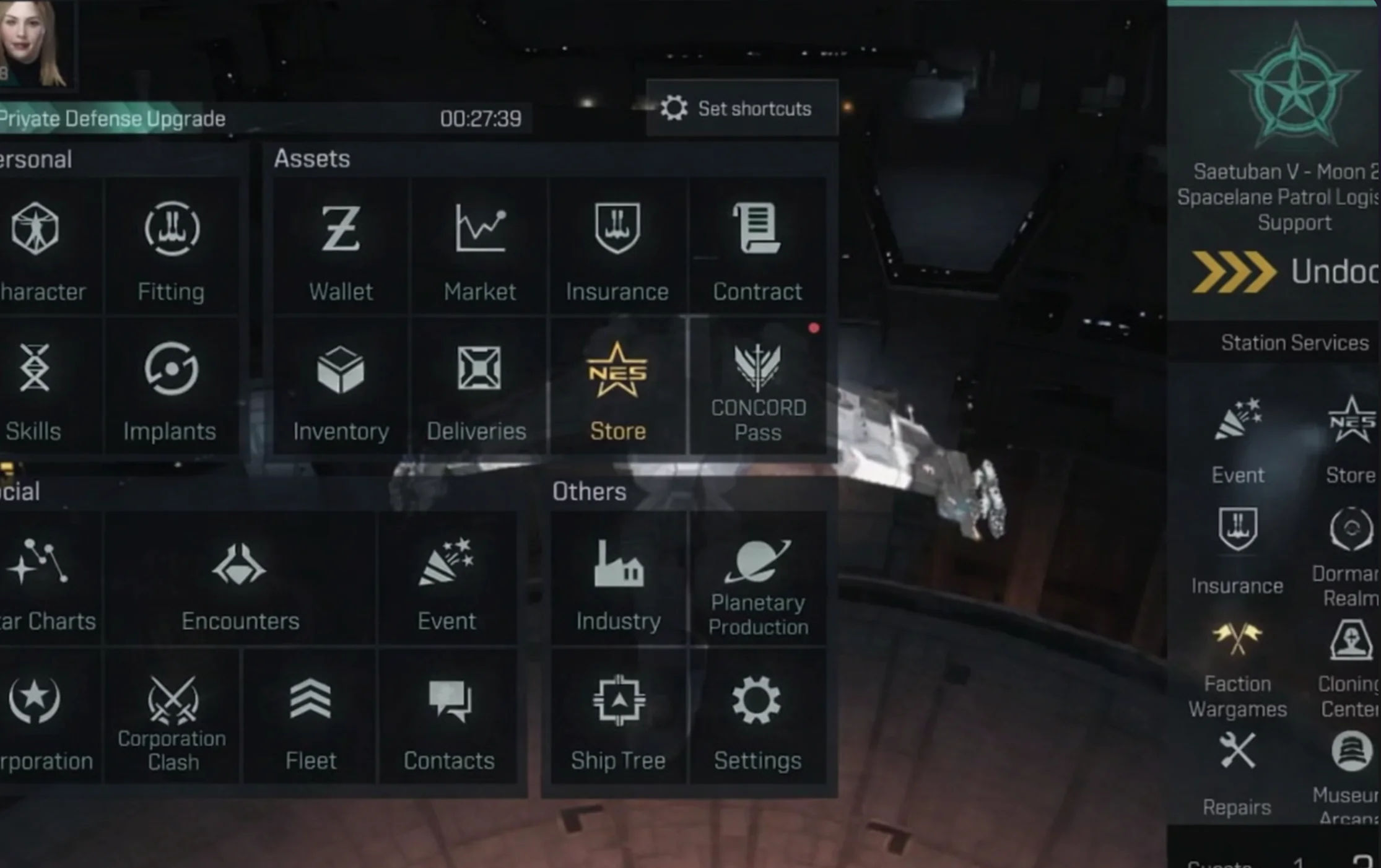
Note: In New Eden, there is no such thing as a "safe zone" only zones that haven't been attacked yet. Always keep your ship insurance (IP) up to date!
Products from authorized providers at fair prices.
24-Hour Nonstop and Fast Delivery Service.
24/7 Support Center
100% Satisfaction Guaranteed
Eve Echoes AUR (Global) Comments